Google Cloud (GCP) Architecture Diagram Generator
TerraVision generates Google Cloud architecture diagrams with the official Google Cloud icon set. Resources are drawn inside their project, VPC network, region, subnetwork and zone. Describe the architecture to an AI assistant, write a short JSON graph, or point it at your Terraform code. It is free, open source and runs on your own computer.
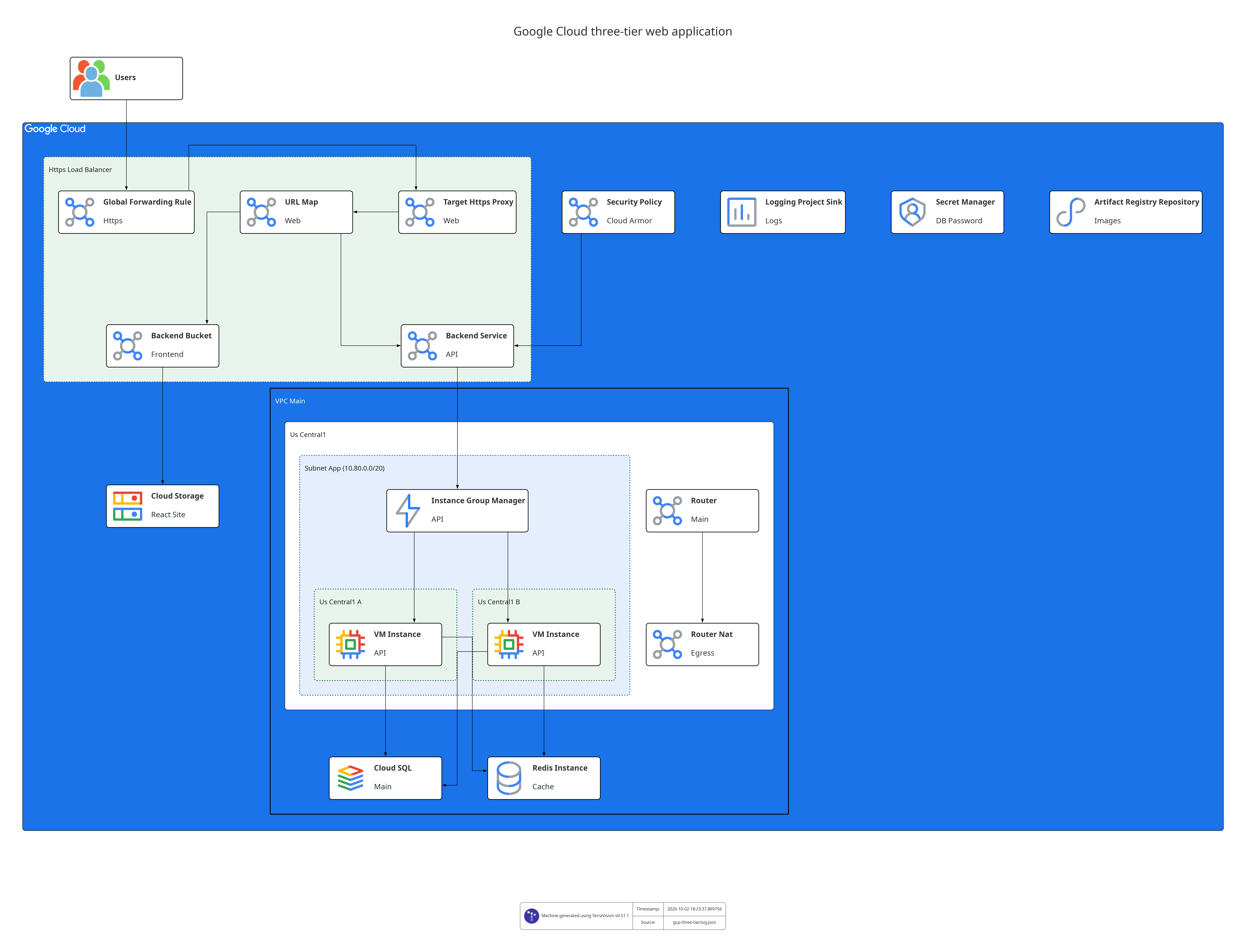
How do I generate a Google Cloud architecture diagram?
With an AI assistant. Connect TerraVision to Claude, ChatGPT, GitHub Copilot or Cursor (setup) and ask:
Draw a GCP three-tier web app: HTTPS load balancer with Cloud Armor, a managed instance group across two zones, Cloud SQL and Memorystore
From a JSON graph. No Terraform and no cloud credentials needed. Start from the worked example gcp-three-tier.tvg.json:
From Terraform. The diagram shows what terraform plan says the code deploys:
Which Google Cloud services are supported?
TerraVision supports 264 Google Cloud resource types, named exactly as in the Terraform provider, so there is no separate icon vocabulary to learn. The full list is on the Node types page.
Does it follow the official Google Cloud diagram style?
Yes. It uses the official Google Cloud architecture icons and draws containers the way Google Cloud reference architectures do. Resources are drawn inside their project, VPC network, region, subnetwork and zone. Numbered request flows and connection labels can be added with annotations.
What can I export?
PNG, SVG, PDF and other Graphviz formats, an editable draw.io file that also opens in Lucidchart, and a self-contained interactive HTML page with pan, zoom and search.
Does it need access to my Google Cloud account?
No. TerraVision never calls a cloud API and your code stays on your machine. See Security and Privacy.